Point of sale
Ring up a sale in secondsBuilt for the counter, not a back office
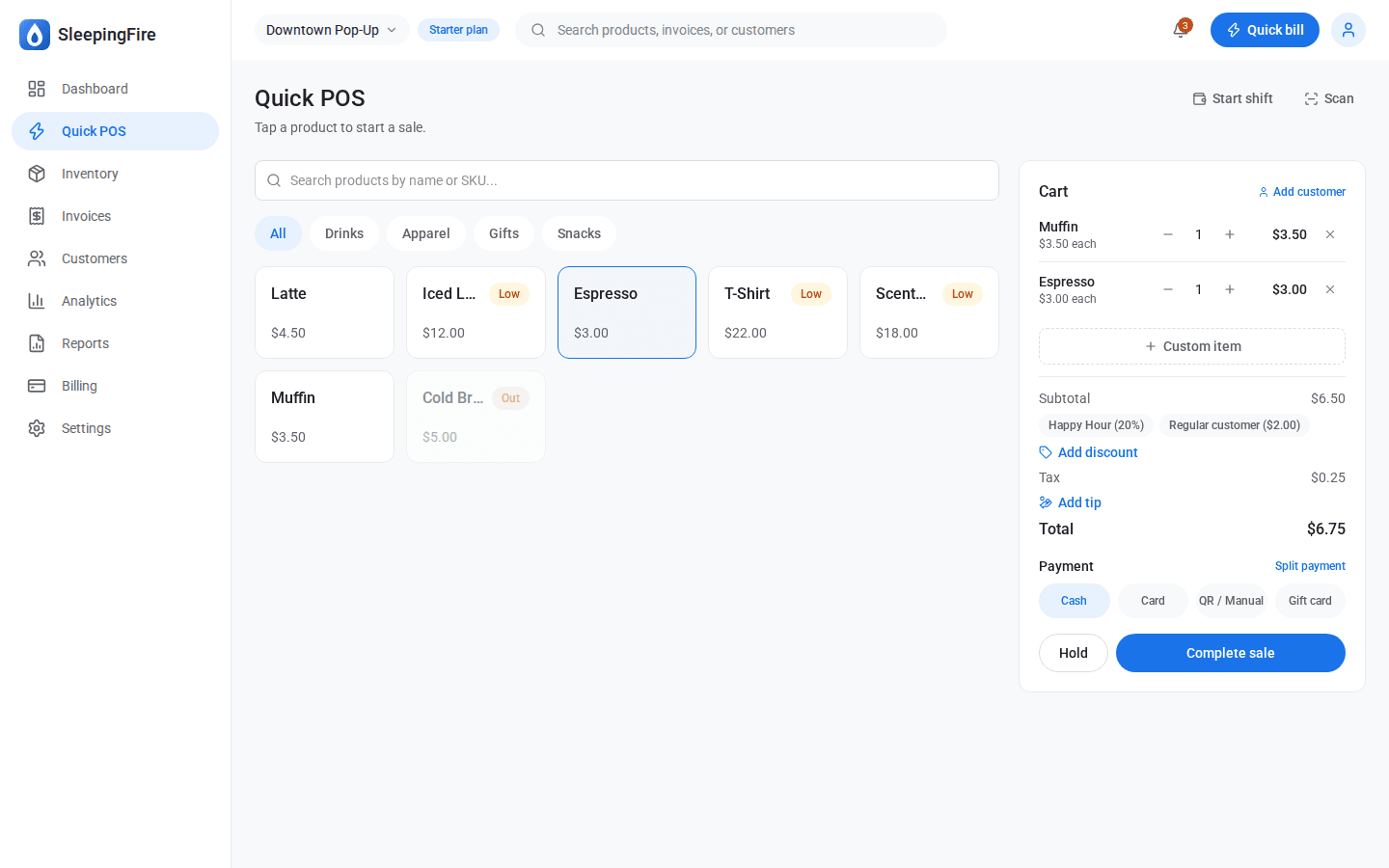
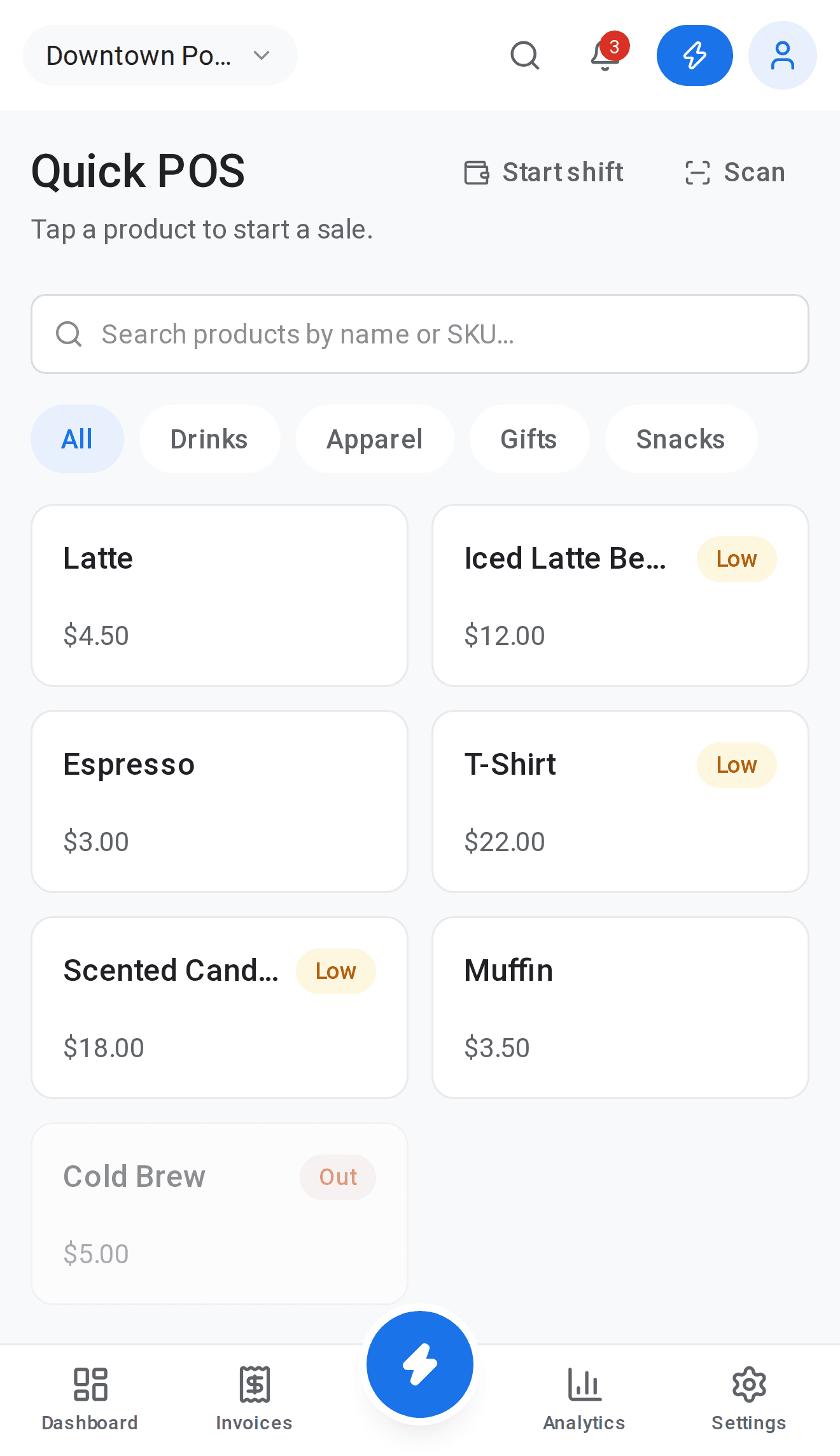
Tap a product, take a payment, done — a checkout screen fast enough to use one-handed during a lunch rush.
Scan it. Sell it.Your phone camera is the scanner
Skip the search bar — point the camera at a barcode and the item’s in the cart.
One sale, three ways to payCash, card, and gift card on the same ticket
Customers rarely pay one clean way — split any sale across payment methods without breaking the flow.
Discounts and tips, built inNo workarounds, no sticky notes
Apply a saved discount or a custom one, add a tip, and watch the total update live.
Pause a sale, don’t lose itHold it, help the next customer, come back later
Set a cart aside mid-transaction and pick it back up exactly where you left off.
Know what’s in the drawerOpen a shift, close it, see the variance
Start each shift with a counted float and close it with an automatic expected-vs-actual cash reconciliation.
Inventory
Stock levels you can trustEvery product, every store, one screen
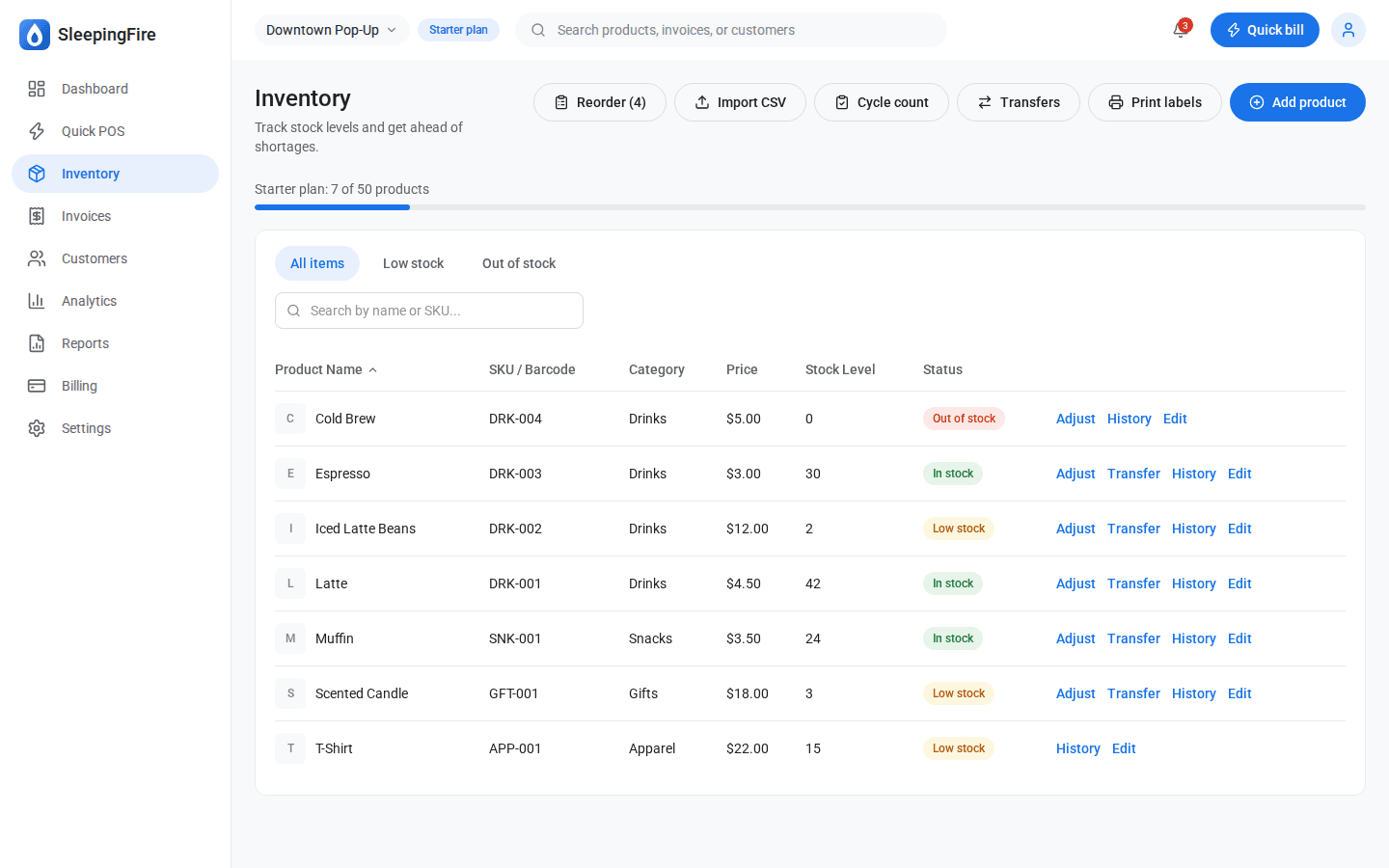
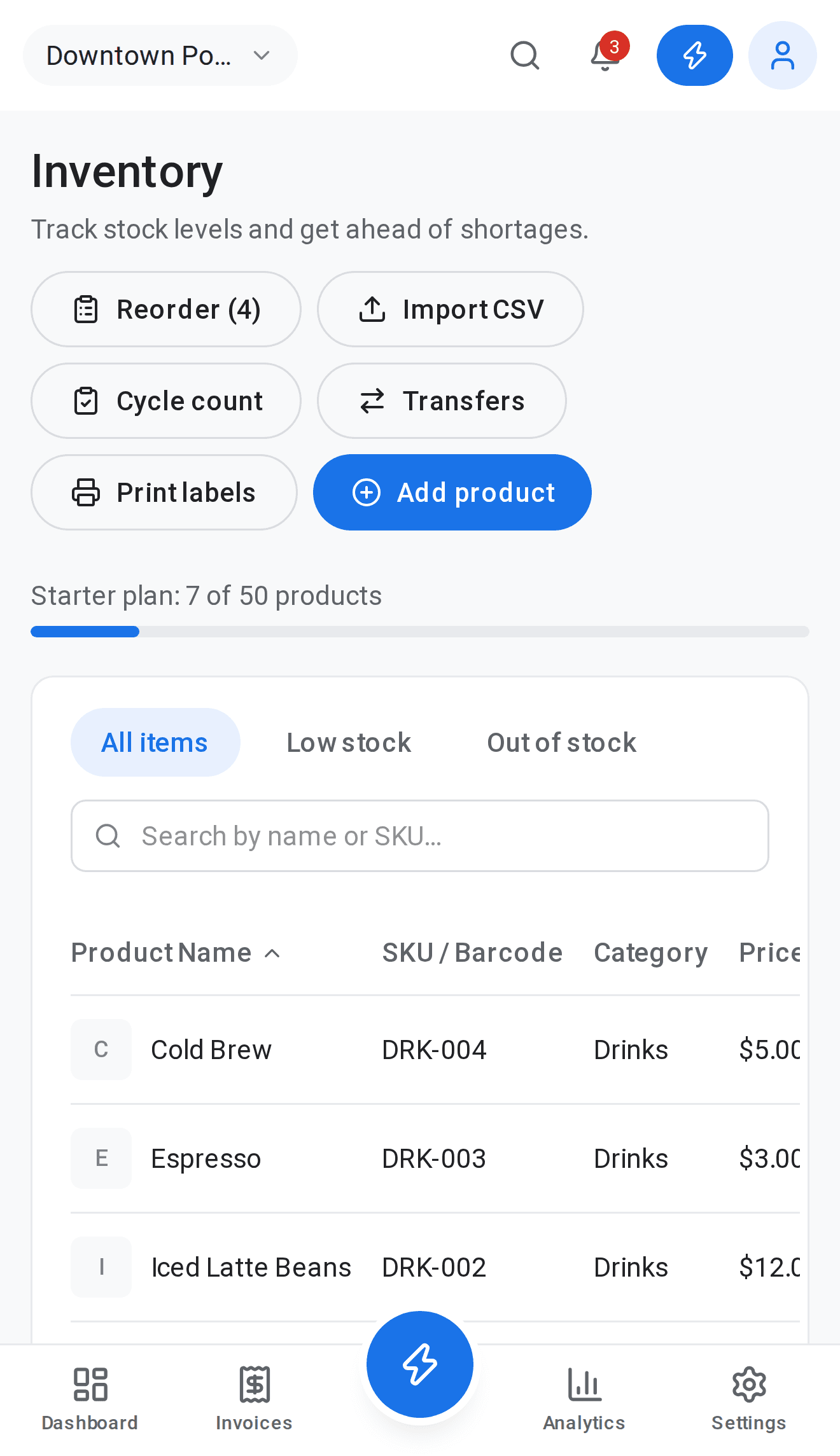
Track price, cost, and stock per item, with low-stock and out-of-stock flags before they become lost sales.
Small, medium, large — tracked separatelyOne product, many options
Size and color variants each carry their own stock count, so you never oversell a size you’re out of.
Labels that fit your printerStandard sheet or thermal roll — your call
Print barcode labels formatted for whatever printer is already on the counter, no trimming required.
Move stock between locations in a tapFor merchants running more than one stall
Send inventory from one store to another and keep a clean paper trail of what went where.
Count what’s on the shelf, fix what’s offA count sheet, not a spreadsheet
Generate a count sheet by category, enter what you actually see, and let variances log themselves.
Load your catalog in one fileCSV in, inventory out
Bring an existing product list in from a spreadsheet instead of typing every SKU by hand.
Payments, gift cards & promotions
Gift cards that just workIssue, redeem, even split the balance
Sell a gift card, redeem it later, and if the balance falls short let the rest ride on another payment method.
Happy hour, on autopilotTime-boxed promos that apply themselves
Set a discount to a schedule — like 20% off weekday mornings — and it shows up at checkout only when it should.
Team & staff
Everyone gets their own login, not your loginOwner, manager, cashier — right-sized access
Invite staff with a role that fits, from full access to counter-only.
Decide who can void a salePermissions per person, not just per role
Fine-tune exactly what each staff member can do — apply a discount, refund a sale, edit inventory — beyond the role default.
Clock in, clock out, doneHours worked, tracked automatically
Staff clock in from their profile and hours roll straight into a payroll-ready report.
Pay commission without the mathSet a rate, we total the rest
Give any staff member a commission percentage and see exactly what they’ve earned, by name.
Reports & insights
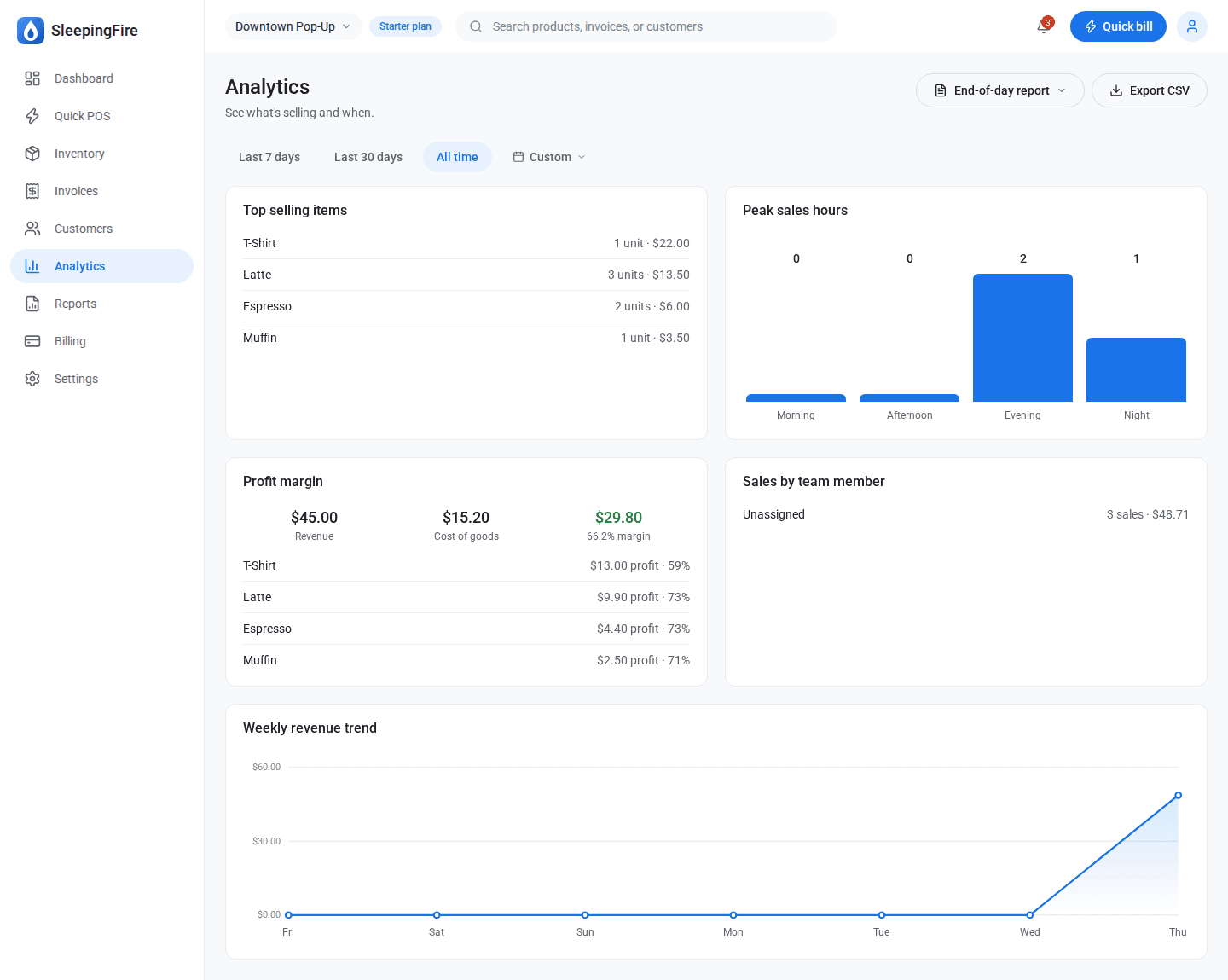
See what’s actually sellingTop items, peak hours, real margins
A living picture of the business — best sellers, busiest hours, and profit margin per product.
Close the day with one reportEvery sale, tallied and printable
Generate a Z-report for any date — gross sales, discounts, refunds, tax, tips, by payment method.
Everything your accountant asks forTax, payroll, and inventory value — exportable
Sales tax summaries, inventory valuation, commission and hours reports, all one CSV export away.
Any day, any range, any reportPick two dates, see everything between them
A built-in calendar picker lets you filter every report to the exact window you need — this week, last quarter, tax season.
Who changed what, and whenA paper trail for every edit
Every price change, stock adjustment, and gift card edit is logged with who did it and what changed.
Customers
Remember every regularName, contact, and full order history
Build a lightweight customer list and see lifetime spend and order history at a glance.
Know who to win backRepeat-purchase rate and lapsed customers, surfaced automatically
See your repeat-purchase rate and a ready-made list of customers who haven’t been back in a while.
Platform
One dashboard, every locationSwitch stores without switching apps
Run a downtown shop and a weekend market stall from the same account — switch between them in a tap.
Every sale, ready to print or emailReceipts that look like your store, not a generic template
Reprint any past sale, email a copy, or issue a refund — with your logo and footer on every receipt.
Plans that grow with the storeStart free, upgrade when you need to
A clear plan and usage view, so you always know what you’re paying for and what’s next if you outgrow it.
Easy on the eyes, day or nightLight, dark, or match the system
A full dark theme for counters that stay open past sundown.
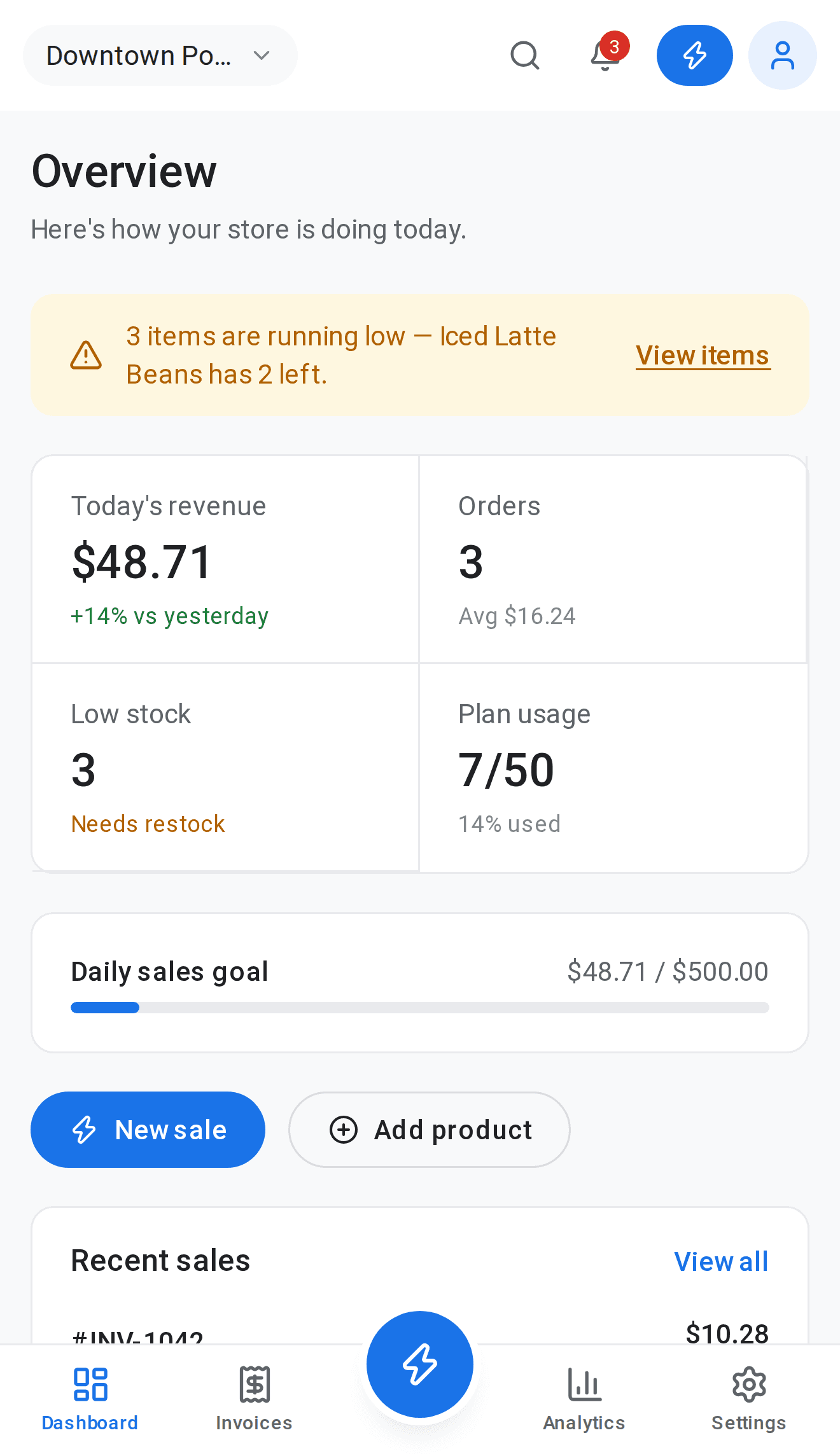
Runs the counter from your pocketBuilt for a phone first, a desktop second
Every screen — POS, inventory, reports — works cleanly on the phone already in your hand.