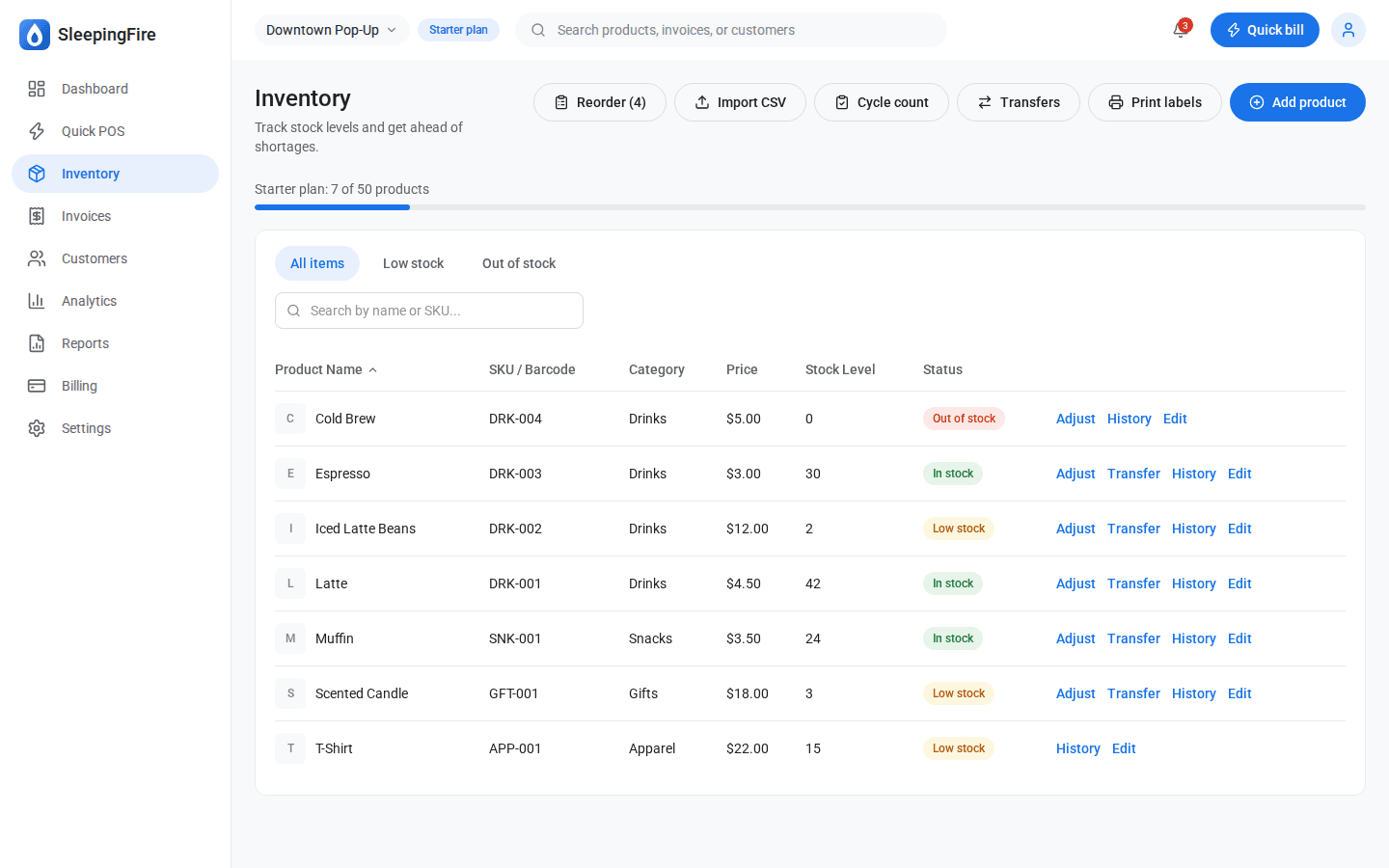
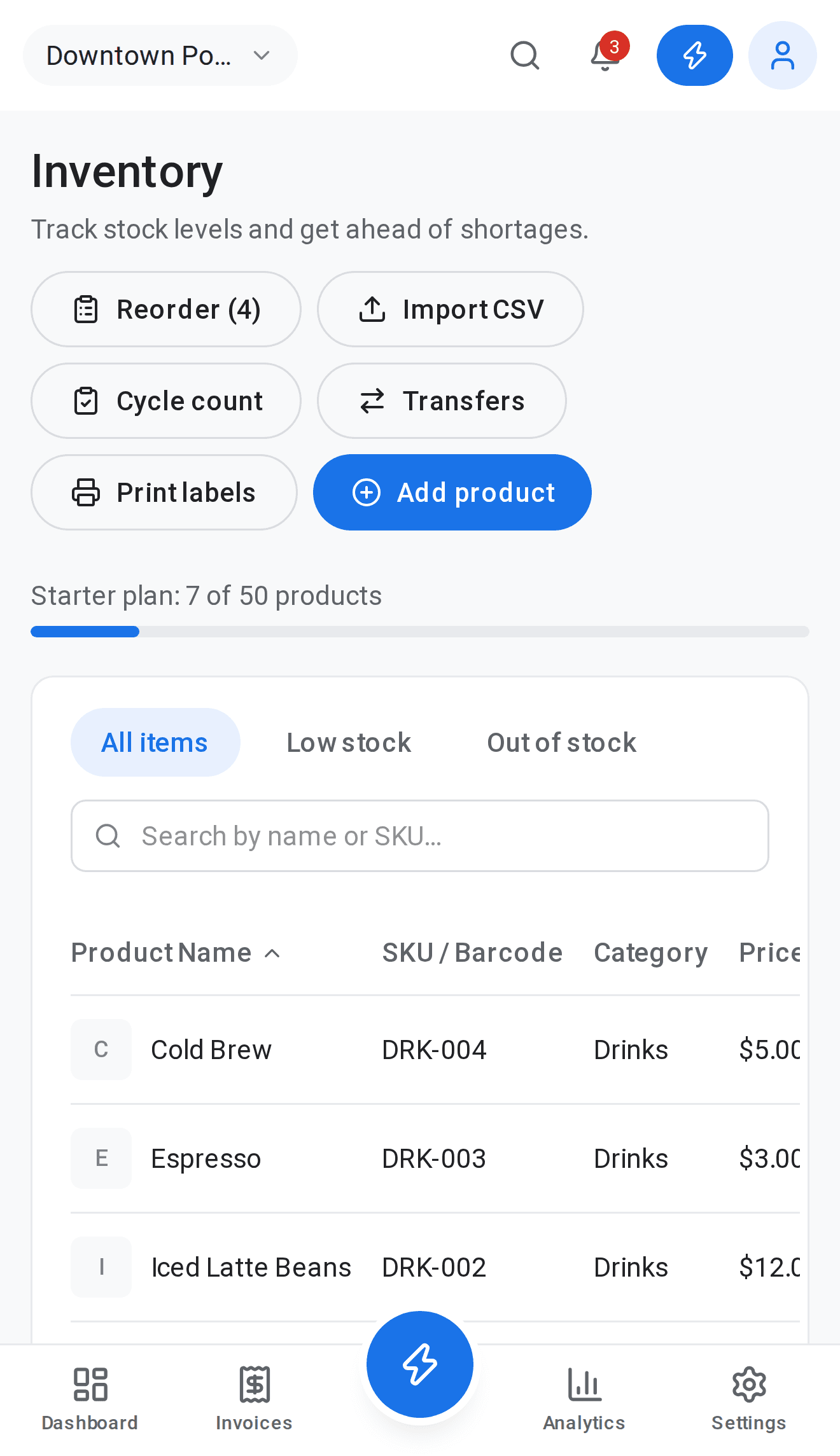
Live stock on every itemSales take it off the shelf automatically
Each sale reduces stock, and low-stock and out-of-stock flags appear before they become lost sales.
Variants counted separatelySizes, colors and more
Every variant carries its own stock count, so you never oversell a size that’s gone.
Stock counts without spreadsheetsCount sheets by category
Generate a count sheet, enter what you see on the shelf, and the differences are recorded as adjustments.
Transfers between locationsWith a record of what went where
Send stock from one store to another and keep a clear history of every transfer.
Import your catalogCSV in, inventory out
Bring an existing product list over from a spreadsheet instead of typing every item by hand.
Inventory value, on demandCost and retail value by category
See what your stock is worth at cost and at retail, and export it when your accountant asks.