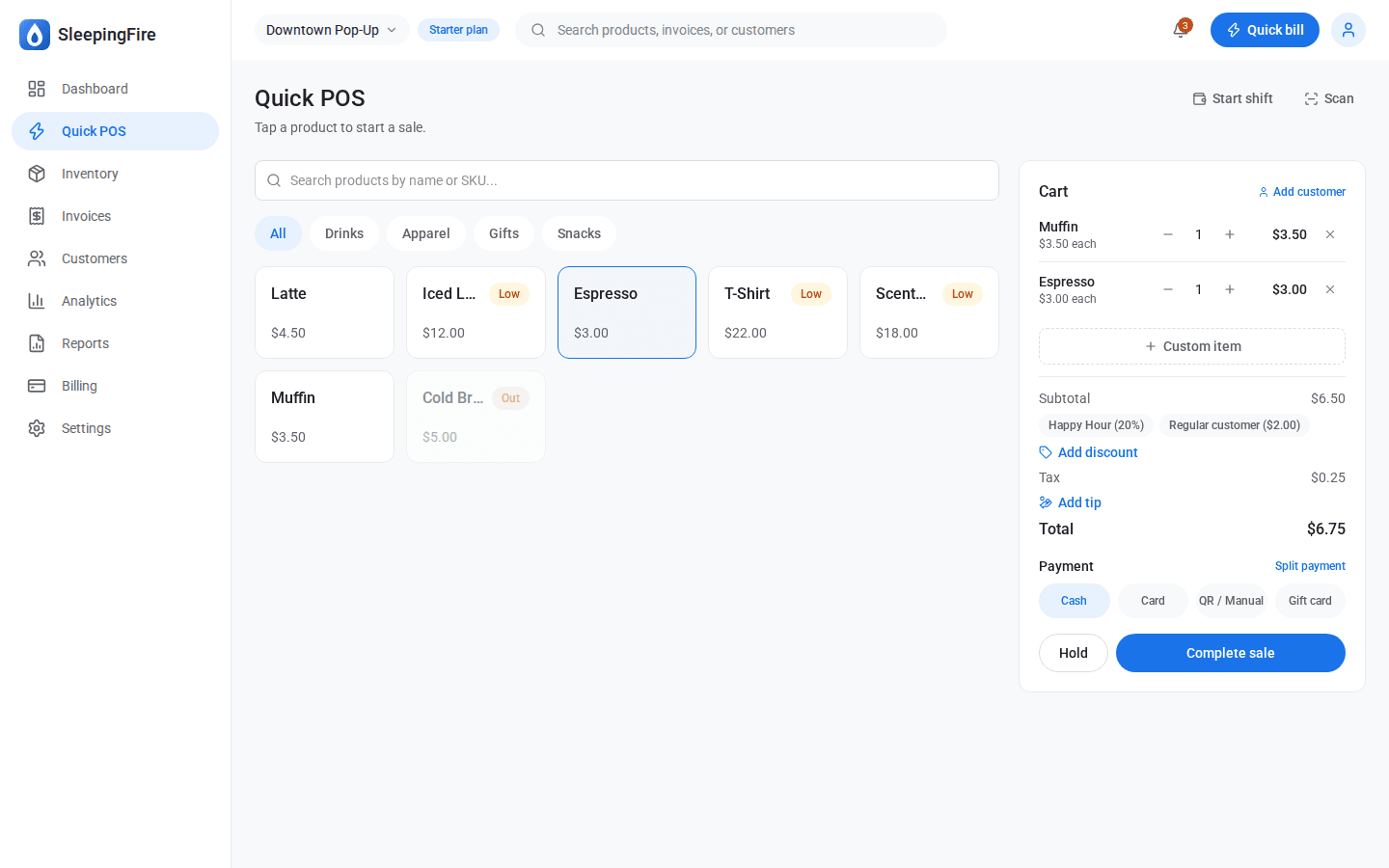
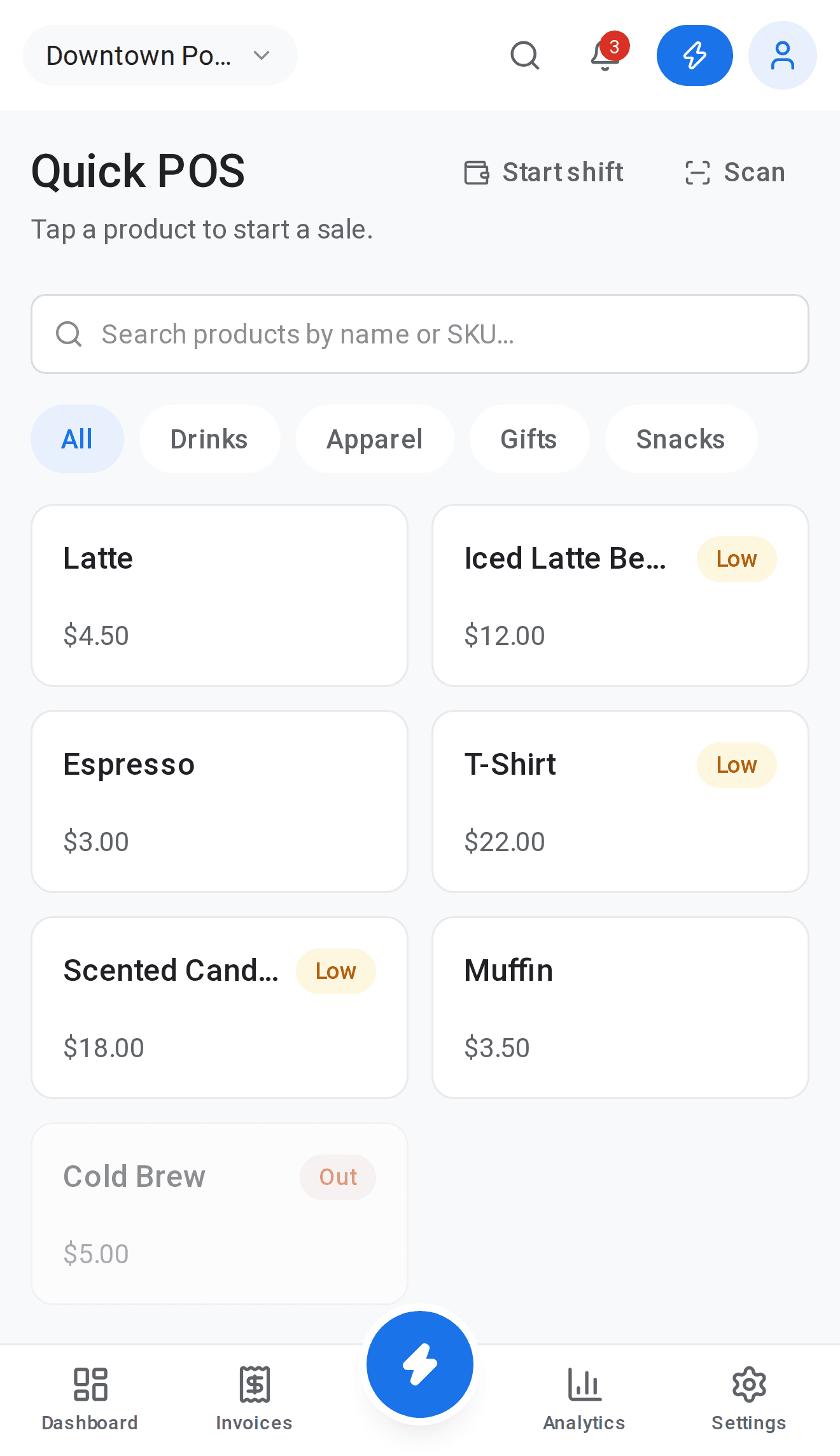
Scan to sellNo handheld scanner to buy
Open the scanner at checkout, point the camera at a barcode, and the matching product goes straight into the cart.
Use the barcodes you already haveExisting UPCs work as SKUs
Enter a product’s existing barcode number as its SKU, and scanning it finds the product.
Print labels for everything elseCode 128 labels from your SKUs
Print barcode labels for your own products, generated from each item’s SKU.
Fits the printer on your counterStandard sheets or thermal rolls
Labels are laid out for standard sheet printers and 58 mm or 80 mm thermal printers, or a custom width.
Faster stock work, tooLess typing, fewer mistakes
The same SKUs drive search, stock counts and reports, so every item is identified the same way everywhere.