Close the day with a Z-reportEvery sale, tallied
Gross sales, discounts, refunds, tax and tips for any date, broken down by payment method, and downloadable as a PDF.
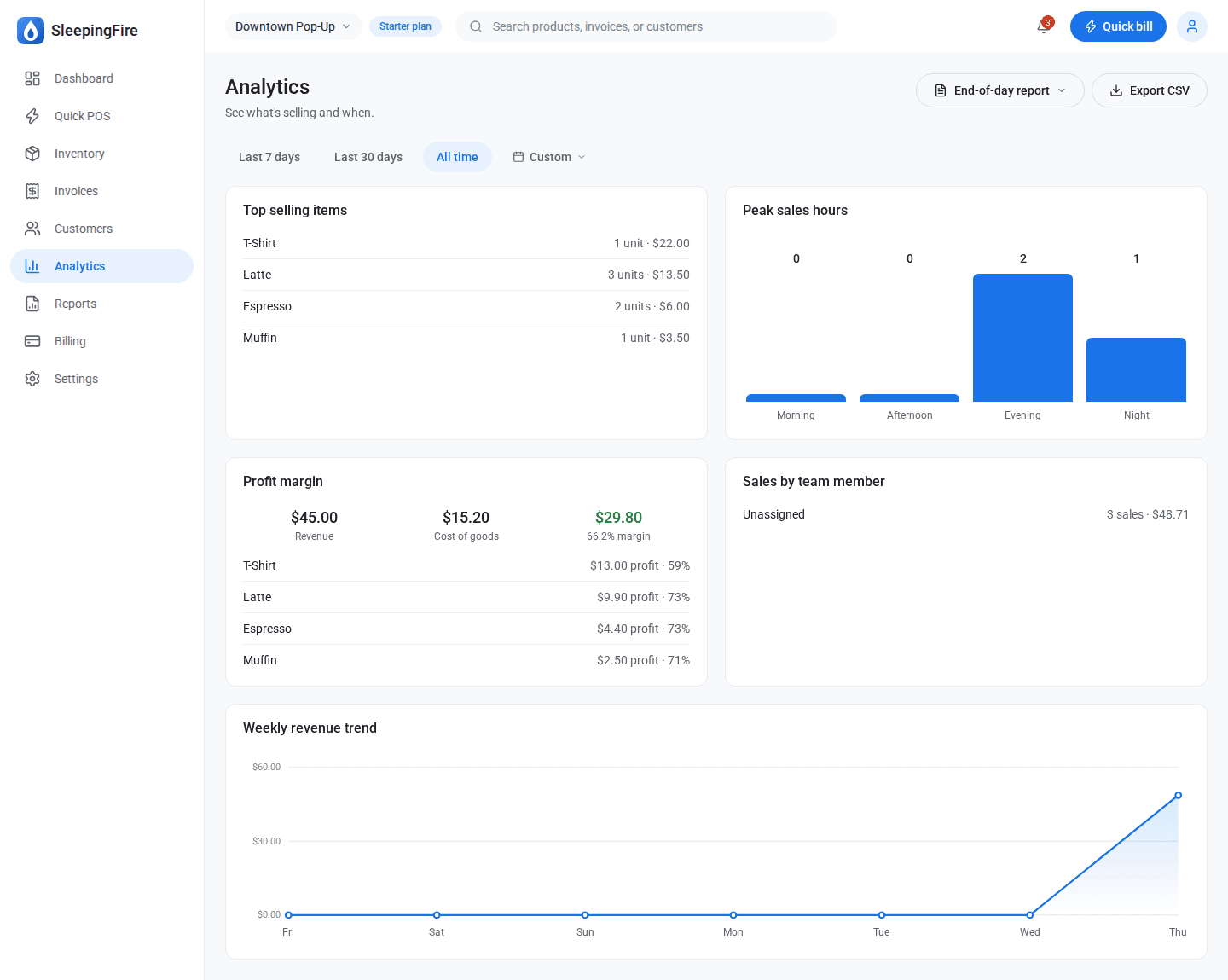
Best sellers and peak hoursKnow when and what
See which products sell most and which hours are busiest.
Profit, not just revenueMargin per product
Record the cost of each product and see your margins in the reports.
Sales tax summariesReady for filing season
Tax collected over any period, ready to hand to your accountant.
Any range, any reportA calendar picker on every report
Filter to this week, last quarter or a single market day.
Export to CSVFor your spreadsheet or accountant
Download sales, tax, inventory value, hours and commission reports as CSV files.